


Want A Quiet Controller With A Bunch Of Good Features? Here’s One For You
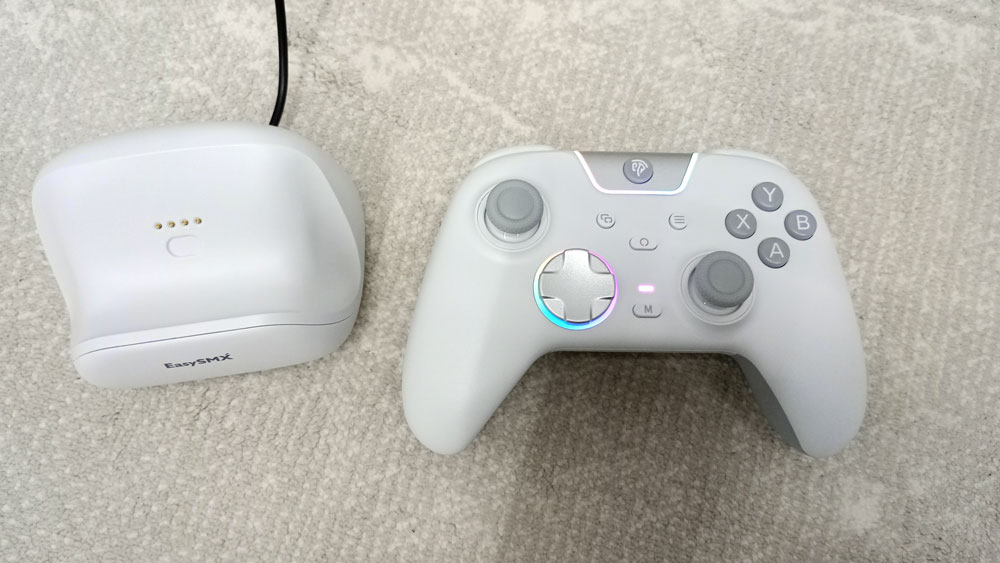
I received EasySMX X05 Pro from EasySMX to review & give my opinion on. It’s a beautiful controller with lovely RGB. The grip may not fit my hands perfectly, but it does the job. I enjoyed testing EasySMX X05 Pro on various games & on various platforms. I found the buttons comfortable and the Hall Effect joysticks accurate. The D-Pad worked well with fighting & platformer games. It may not be the main controller I would use with the Switch 2, since it doesn’t wake it up, especially since you can always pay a bit more to get a controller that wakes it up, but it was great for the other platforms.
I would have preferred if the extra M1 & M2 buttons were placed at the back of the controller. They are placed along the shoulder buttons, in a way that makes it difficult to press them by mistake. The triggers lock feature makes the controller versatile, since you get the best of both worlds of triggers that go all the way down & ones that are easy to press. Turbo is always a welcome feature in 3rd-party controllers. EasySMX X05 Pro only offers the manual type of turbo though. I found it a bit tricky to activate/deactivate at first, but I managed to work that out.
The optional charging dock with a USB port makes it easy & convenient to charge the controller, all without losing the USB port for that. The controller feature can be configured without the need for an app, which I think is a plus.
All in all, I think EasySMX X05 Pro offers a good gaming experience for the price. It’s one I recommend if my experience with it matches your needs.
You can buy EasySMX X05 Pro from the following affiliate links:-
Buy from EasySMX Use the code X05PRO01 for 10% off
Buy From AliExpress
#CommissionsEarned

Quickly go to:-
Unboxing & Overview
After unboxing EasySMX X05 Pro, I found the following stuff in the box:-
-
- EasySMX X05 Pro itself.
- A USB cable.
- A wireless 2.4GHz receiver.
- The charging dock (optional, you can buy the controller without it).
- User manual.
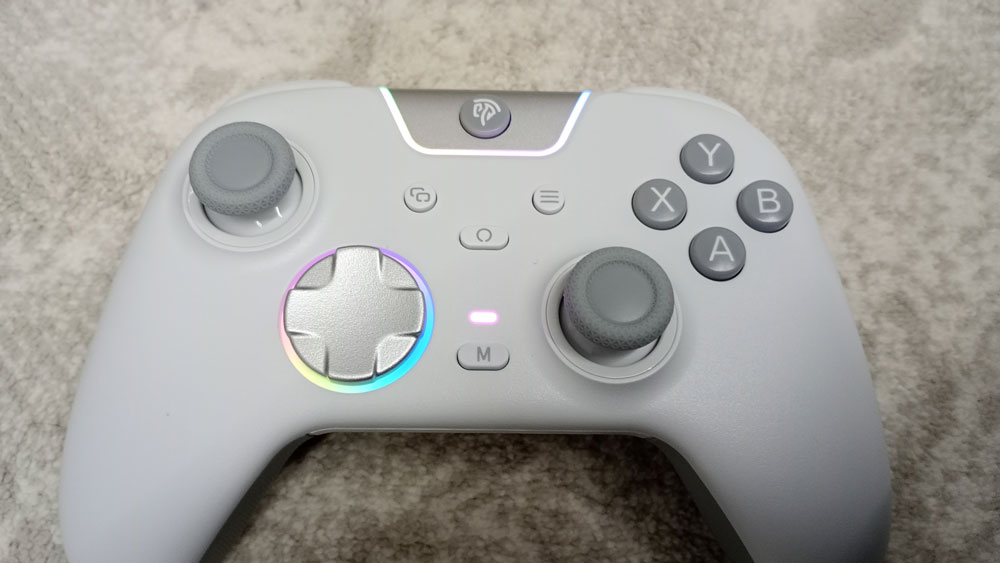
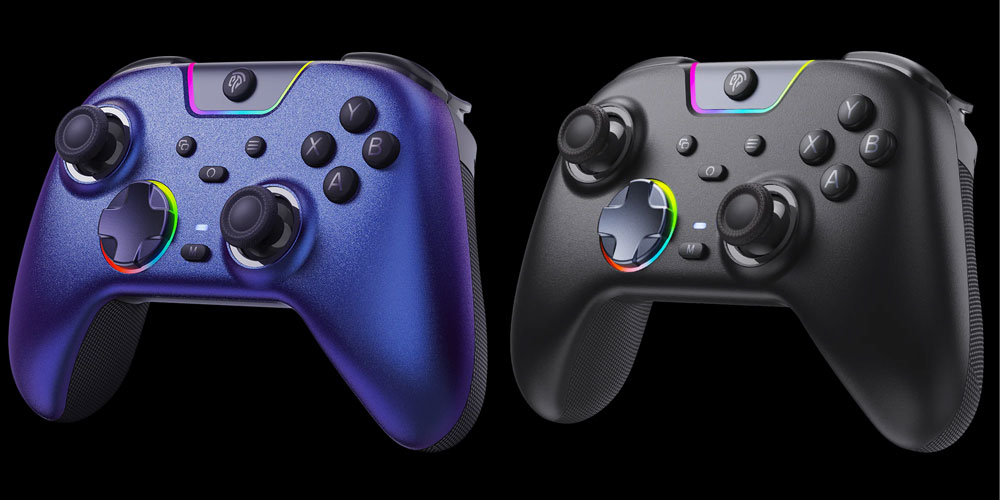
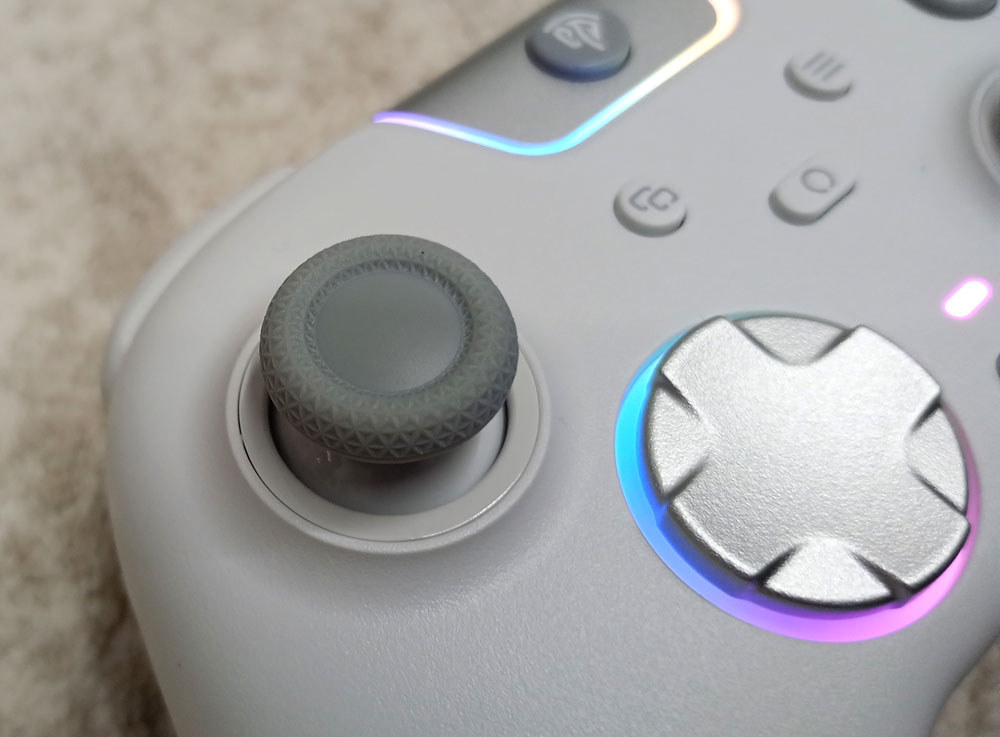
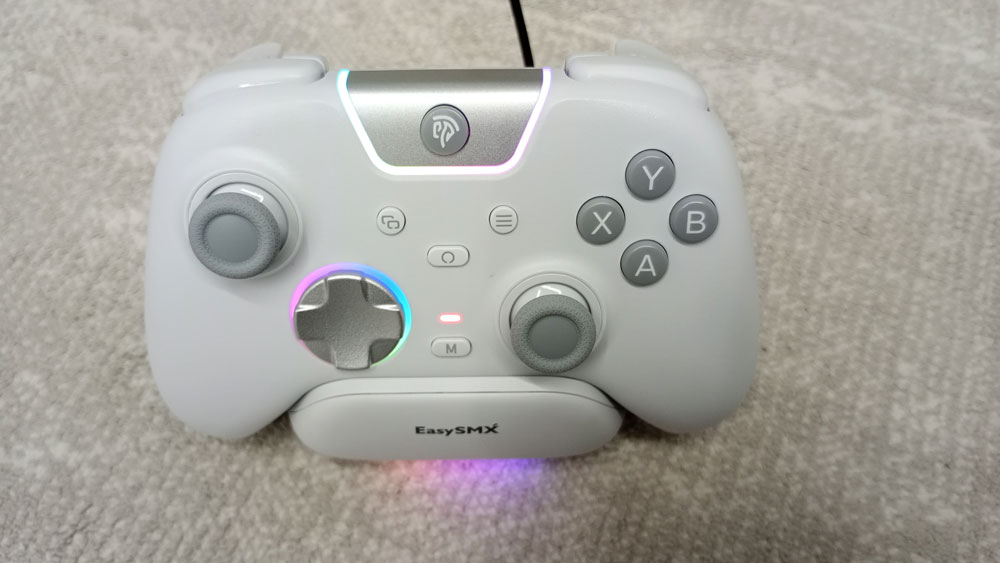
At first impression, EasySMX X05 Pro is a beautiful controller. The white version I got looks even fancier with the RGB lights on. The silver coating on the D-Pad makes it look a bit plasticky, though, but other than that, I have no complaints about the looks of the controller. Aside from the white version, there are also a black & aurora purple (limited edition).
Since EasySMX X05 Pro was advertised as a quiet controller, I tested the sound the buttons make; the buttons make less noise compared to regular controllers. The face buttons (A, B, X & Y) make a low sound, while the trigger buttons RT & LT barely make any sound when set to long-travel mode. During gameplay, I didn’t notice any sound at all since the game sounds cover any sound the buttons would make. To a degree, this controller is suitable for playing in a room where someone is asleep, at least compared to my other controllers. For the most part, EasySMX X05 Pro has a nice grip. It stays firm in my hand, but it doesn’t 100% fit my hands (I have relatively large hands), but it still does the job.
EasySMX X05 Pro has a circular 8-way D-Pad. It’s relatively quiet, since it makes a low clicky sound when pressed. I didn’t like the way it’s painted though, but when it comes to the performance, I made sure to test it on a bunch of games that could use a good D-Pad, and I didn’t have any complaints about it.
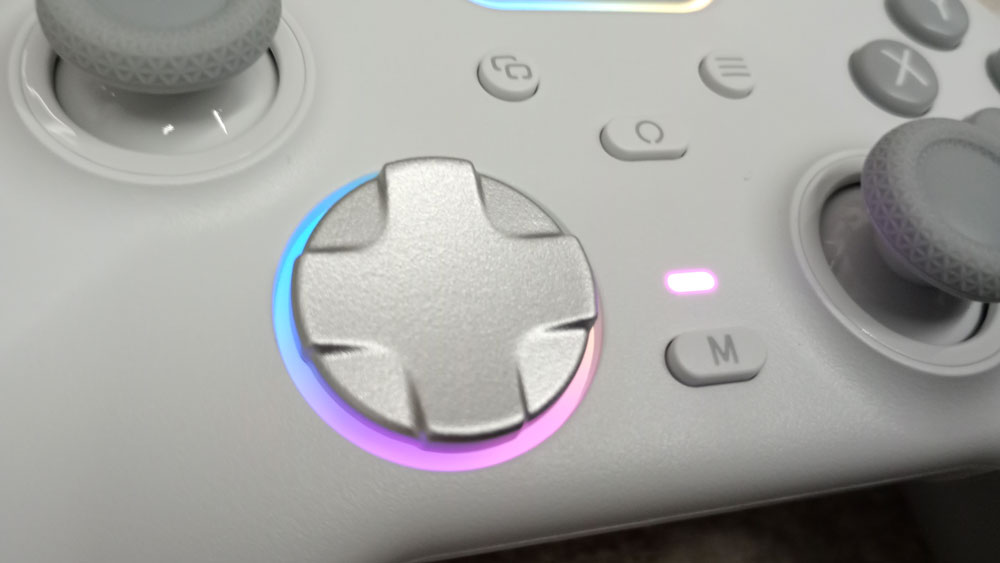
I previously mentioned how beautiful the default backlight was when I first turned it on. The RGB lights can be changed into one of multiple solid colors, or they can be completely turned off. This is done from the controller itself. Speaking of that, I quite appreciate that all the main features of EasySMX X05 Pro can be configured on-the-fly without the need for an app.
No Back Buttons & Additional Shoulder Buttons
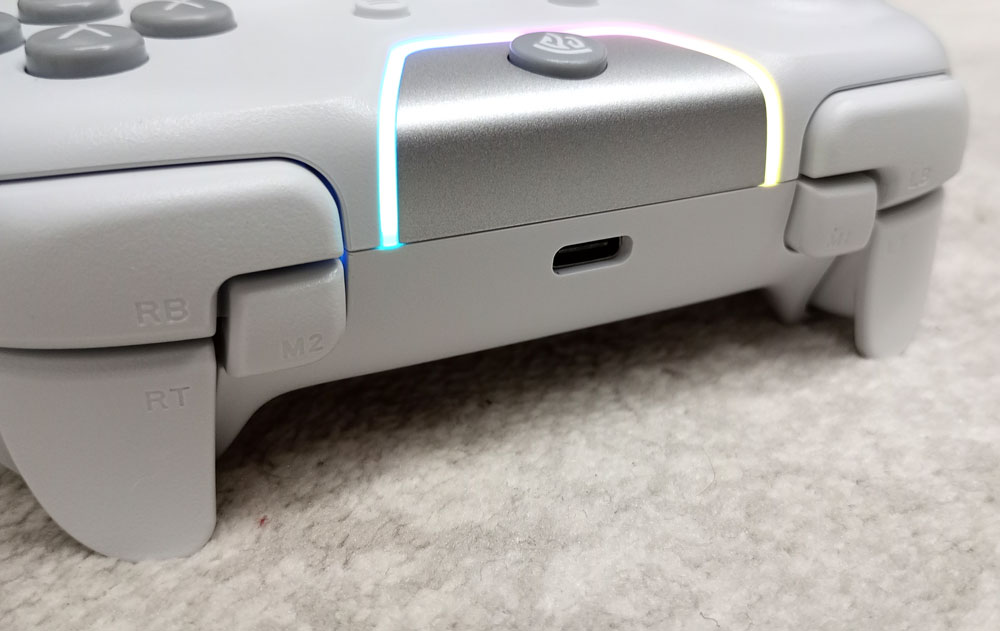
Unlike the other EasySMX controllers I tried. EasySMX X05 Pro has no back buttons. Instead, the extra M1 & M2 are located at the top of the controller along with the shoulder buttons. The buttons are located in a very smart place so they can’t be pressed by mistake, at least in my experience. These two buttons can be programmed on the fly to do a series of button presses. To configure them, simply press & hold the M button + M1 or M2 until the controller vibrates. Then press the buttons you want to record (you can record one button if you want), and then simply press the button you want to use to activate the sequence (M1 or M2), and you are good to go. While these two buttons worked great, I would rather have them at the back of the controller, where they are much easier to access. One of my main uses for the back button is to eliminate the need for shoulder buttons in certain games; now they are shoulder buttons themselves. Their presence is still welcome, since there are many useful cases for them. To mention one, they can totally replace the need for the RS & LS buttons, which I don’t like to use for running. They can also be used to “cheat” in some fighting games by replacing some of the hard-to-do combos.
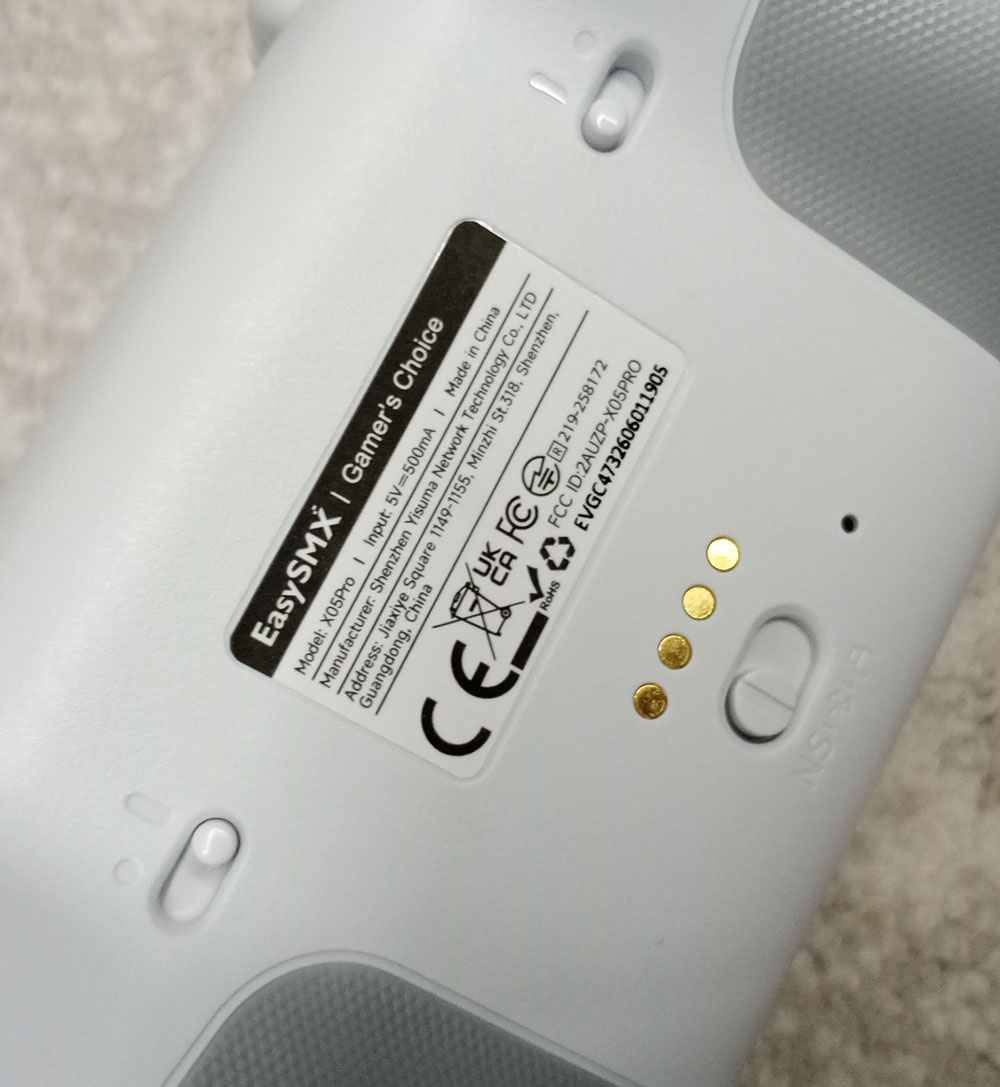
There are toggle switches at the back of the controller that change the travel distance of each of the two trigger buttons. You can set the trigger to travel all the way down for racing games while having them act like regular buttons while playing games that use them that way.

Turbo Functionality
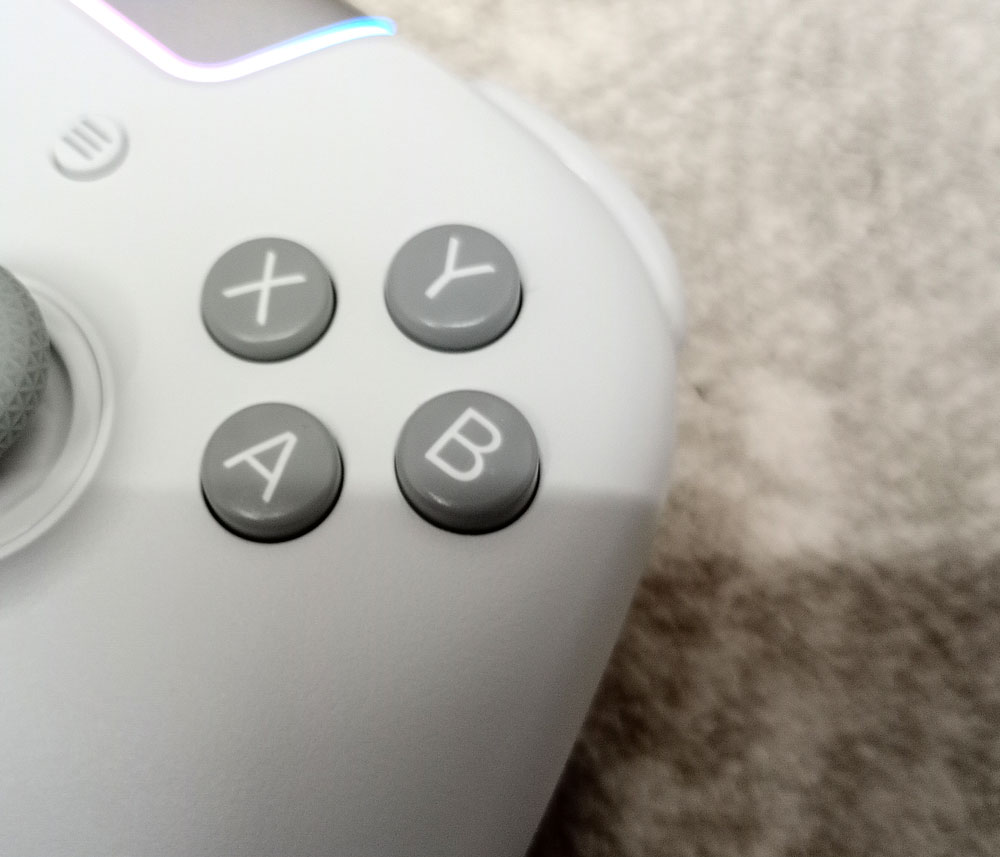
EasySMX X05 Pro supports turbo functionality, which is one of the main features I like about 3rd-party controllers. It only supports the manual type of turbo though. The one where it keeps firing the button as long as you are holding it down. I found activating turbo a bit tricky on this controller. I had to hold down the button I want to activate turbo on along with the M button. The second button of these had to be pressed down for 0.5 second. Failing to do the later may cause turbo to not activate/deactivate. You deactivate the turbo by repeating the process. The controller vibrates every time you activate or deactivate it. It’s not hard to do, but it is certainly different from what I am used to. It would have been nice if EasySMX X05 Pro supported auto turbo, where you press the button down once & it keeps on firing, and then you press it again when you want it to stop.
Playing Games With EasySMX X05 Pro
Now let’s play some games & test EasySMX X05 Pro on a few of my systems.
I paired EasySMX X05 Pro to my Switch 2, and within a minute, I was in control. The first thing I made sure to test is whether it can wake up the Switch 2 or not. It turned out it doesn’t wake it up at all. Even when I did the trick of removing & reattaching the Joy-Cons right after pairing.
Anyway, this won’t prevent me from trying the controller with the Switch 2. I played Mario Kart World, and I quite appreciated the analog accuracy. I was unlucky & I didn’t win my first race though, lool.
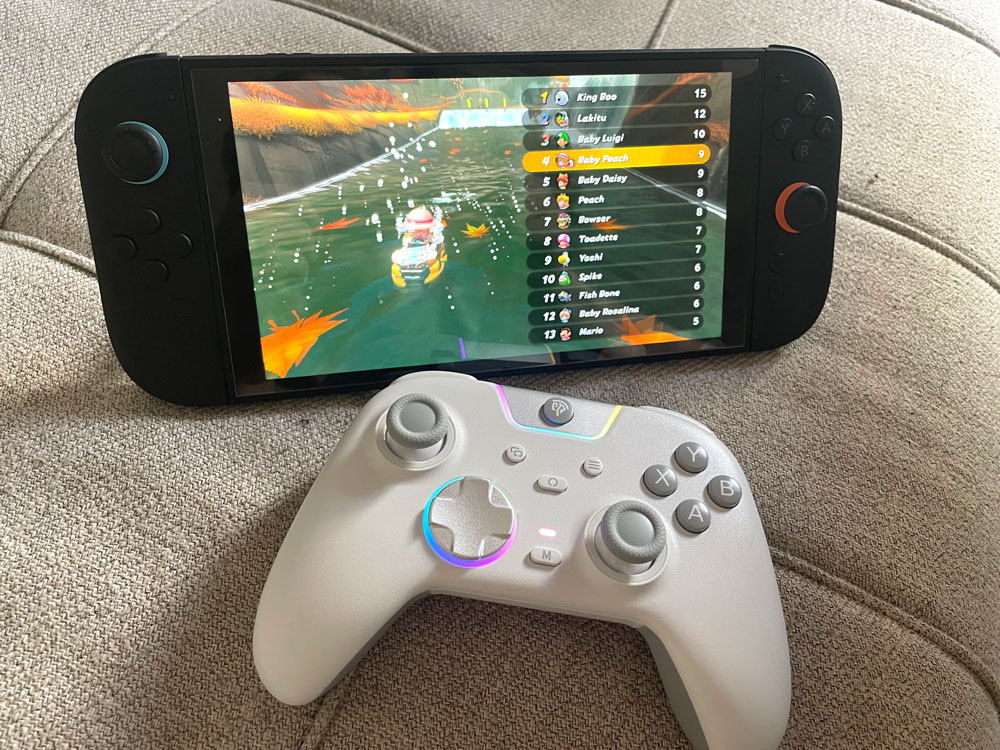
I still haven’t forgotten about the Switch 1. It’s a good console that can be a good value for those who don’t want to buy a Switch 2. I was already playing Final Fantasy Tactics by the time I received the controller, so I tried it out first. The game was a nice test for the D-Pad, since you use it to pick your position in the grid.

I played some other Switch games to test it further. Doom 3 was my choice for a shooter. I had to lower the horizontal aiming sensitivity a bit so I could aim well, but other than that, everything worked great. I played Donkey Kong Country Returns HD for a platformer. I played mostly with the D-Pad, but I also used the analog stick a bit. The game plays well with both. It’s the type of game you can play either way without much of a “penalty.”


-
- ———————————————————
As expected, EasySMX X05 Pro managed to wake up the Switch 1. Since it’s the oldest console & the easier one to support wake-up on.
On PC, I played Mortal Kombat Legacy Collection, which I think is another good test for the D-Pad. I pretty much prefer controllers that help me freeze with Sub-Zero or teleport with Raiden with ease. During my Mortal Kombat session, I connected EasySMX X05 Pro to the computer via the USB cable.


I also played some Soul Calibur 6 to test EasySMX X05 Pro on a modern fighting game. Again, I played it mostly with the D-Pad, but also played with the analog stick at times to get the feeling of it.

In all the games I played, I found EasySMX X05 Pro comfortable & responsive. I may have focused a bit on the D-Pad & the analog sticks, but I also appreciated the softness of the other buttons, and particularly the triggers. The default dead zone of the analog stick was good too, and since they are Hall Effect analogs, they will likely live more than the crappy analogs that come with OEM controllers. Some may prefer clicky controllers, which give a nice feedback, but I prefer quiet controllers myself, as I want to relax whenever I play my games (I use both though).
It’s worth noting that the controller deadzone isn’t set to 0 by default. You can set it to 0 by pressing & holding the O buttons & the right analog stick at the same time for 2 seconds.
You can buy EasySMX X05 Pro from the following affiliate links:-
Buy from EasySMX Use the code X05PRO01 for 10% off
Buy From AliExpress
#CommissionsEarned
3 Connectivity Modes
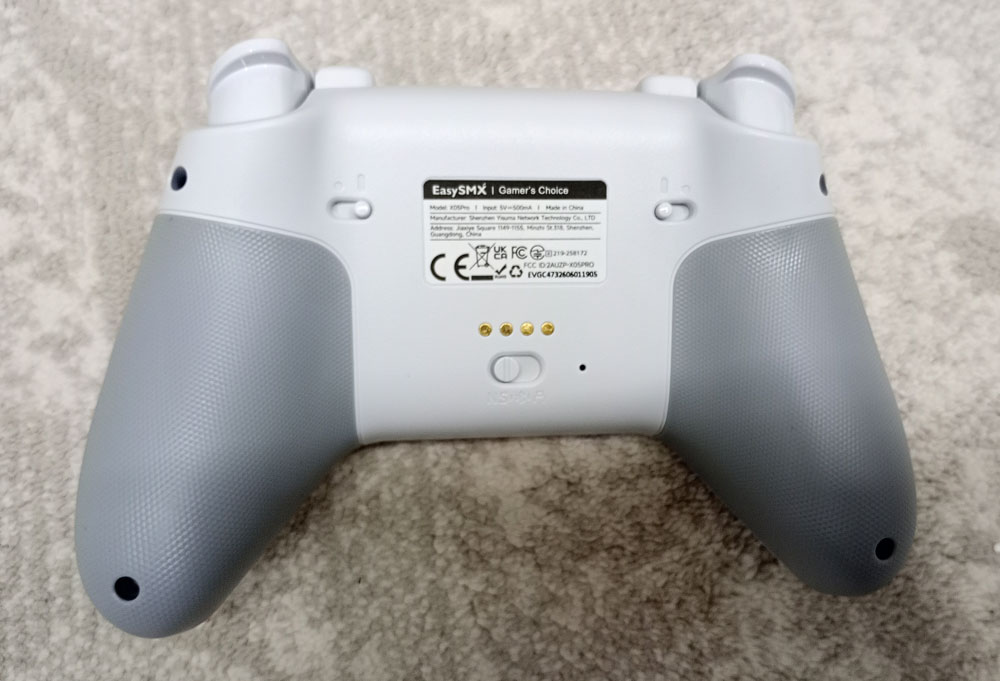
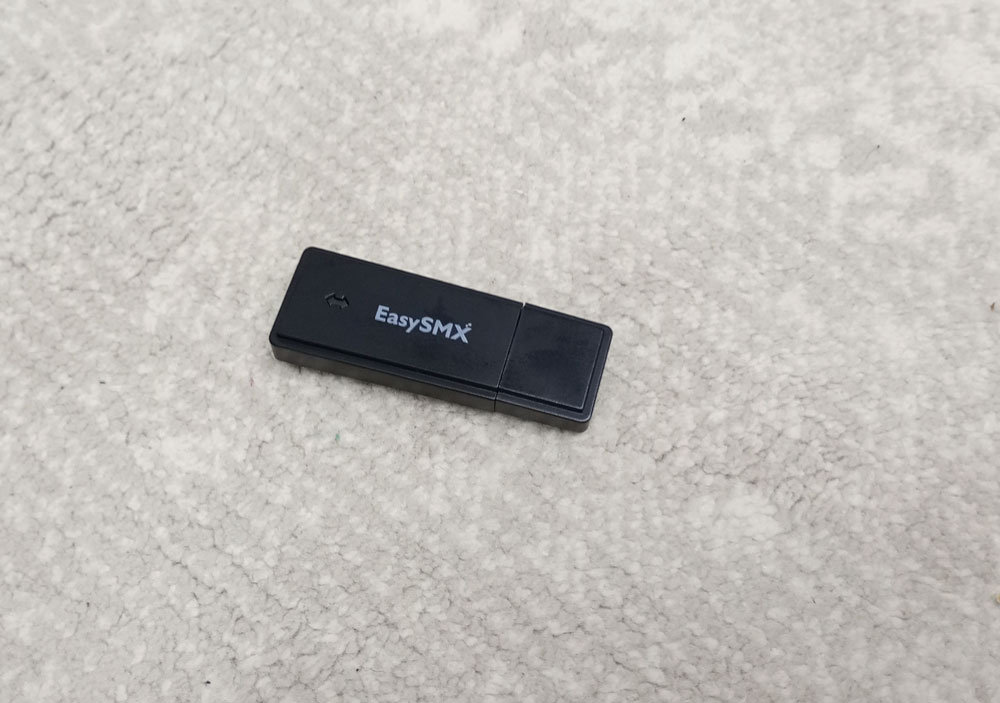
EasySMX X05 Pro supports 3 connectivity modes:- NS mode, which I used to test the X05 Pro with the PC, Switch 1 & 2. 2.4GHz USB receiver mode, which I tested on PC, as well as wired mode, which I also tested on PC.
I tested EasySMX X05 Pro on all 3 modes on PC, and it was recognized as Xbox controller on all of them, which is awesome, since you can use whatever mode you want instead of being limited to one or two like some controllers force you.
Charging Dock
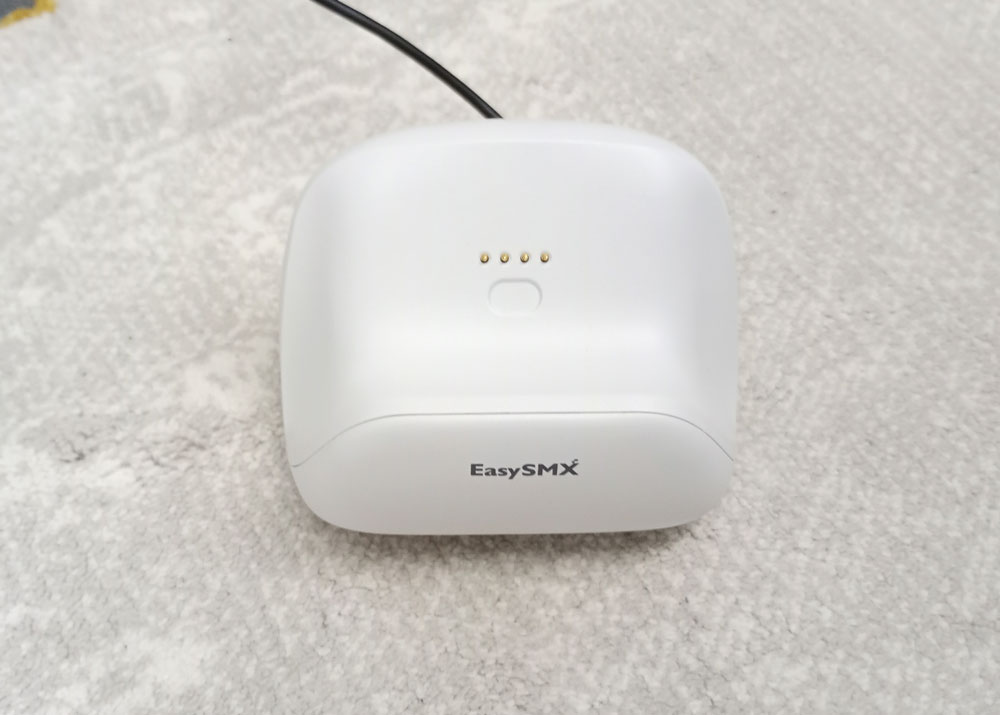
There’s an optional dock for EasySMX X05 Pro, which can be a very convenient way to charge the controller. Just plop the controller on it, and you’re good to go.
The dock itself has an extra USB port at the bottom. On PC, I tried plugging a USB mouse in it just to see if it works, and it did. Inserting the mouse cable wasn’t easy, so I would only use that port for the devices I keep plugged in. I found that port to be a nice place to insert the USB 2.4GHz receiver that comes with it.
And Finally
So, would I recommend EasySMX X05 Pro to anyone? The short answer is yes. It’s a good controller, and while preferring to have auto-turbo mode & back buttons makes me want to go for a slightly more expensive controller, I say if you don’t mind that or any of the issues I mentioned, then it can serve you well.
I hope you liked my EasySMX X05 Pro review, and I will see you in another Tech Fairy article. Check out the mobile apps I developed, which I hope you find useful & interesting.
You can buy EasySMX X05 Pro from the following affiliate links:-
Buy from EasySMX Use the code X05PRO01 for 10% off
Buy From AliExpress
#CommissionsEarned