


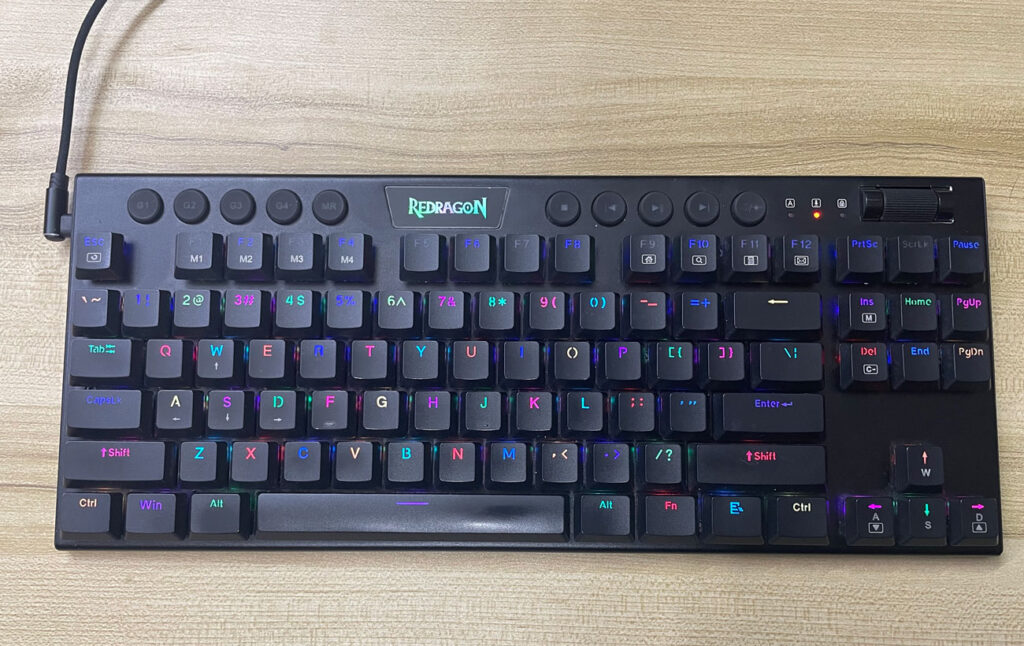
Here’s An Elegant Low-Profile Hot-Swap Mechanical Keyboard For A Good Price.
I bought Redragon K622 with my own money for my personal use and to add to my keyboards collection. It’s really good for the price, especially since many low-profile mechanical keyboards tend to be expensive, so it is nice to see something that’s on the cheaper side.
It’s a really good-looking keyboard. The hot-swappable switches make it easy to repair or customize it later. I like having the roller to adjust the volume, and the G macro keys can be useful in many ways. Although in all honesty, it can be a bit lacking when it comes to software customization, but it provides a good typing experience. It can only be used wired, but that’s fine if you have it on the top of a desk all the time.
Find Redragon K622 Horus on AliExpress.
#CommissionsEarned

Quickly go to:-
Overview Of Redragon K622
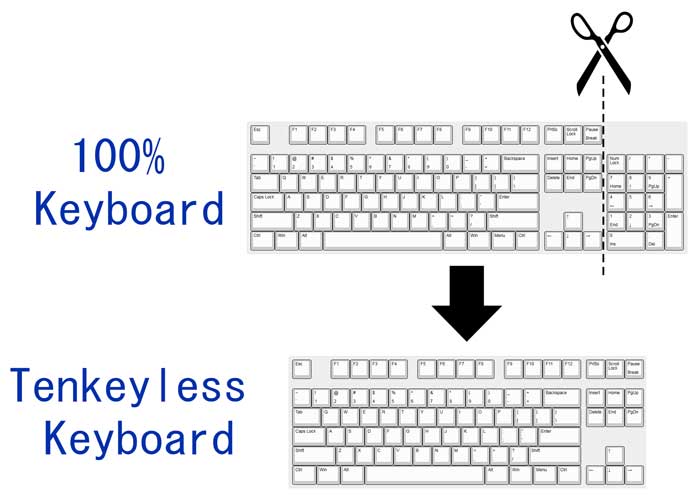
I love mechanical keyboards, and I also love low-profile keyboards. I use many low-profile keyboards that are not mechanical because I like how they feel while typing. But how about a keyboard that’s both low-profile & mechanical at the same time? That’s what Redragon K622 is all about. It’s an elegant keyboard that gives you the best of both worlds. Its thinness is one of the first things to notice about it, making it look nice on your desk. The keyboard has the TKL form factor, which is the same as 100% keyboards, minus the numpad part:-
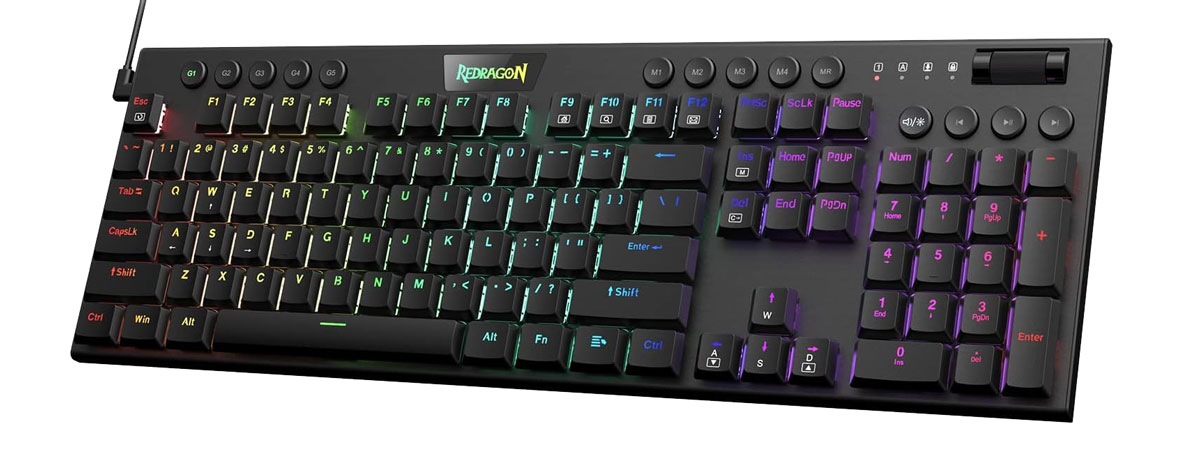
It’s worth noting there’s a 104 keys version of the same keyboard if TKL isn’t to your liking:-
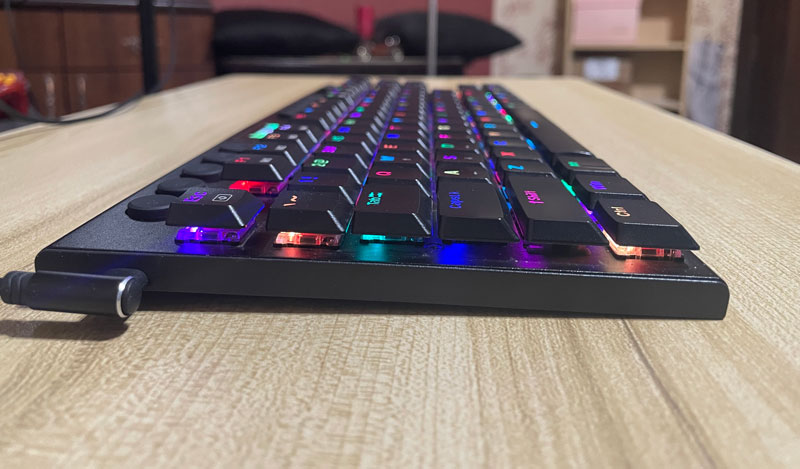
Redragon K622 has some nice backlighting. Both the solid colors & the default patterns it comes with look great. It comes with either blue, brown, or red switches. I got the red switches version because it’s my favorite. The switches can be replaced however you want, since the keyboard is hot-swappable.
There are 5 macro keys at the top of the keyboards. You can record a macro for each of these keys. They are soft to the touch and a bit mushy. Each of the macro buttons lights up when there’s a registered macro. Aside from the macro keys, there are multimedia buttons that look the same on the other side of the keyboard, as well as a roller for adjusting the volume.
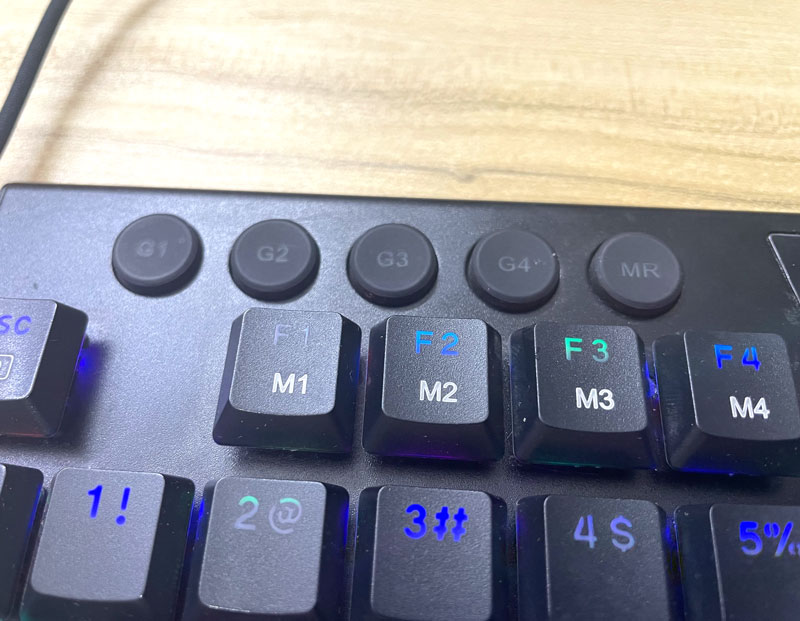
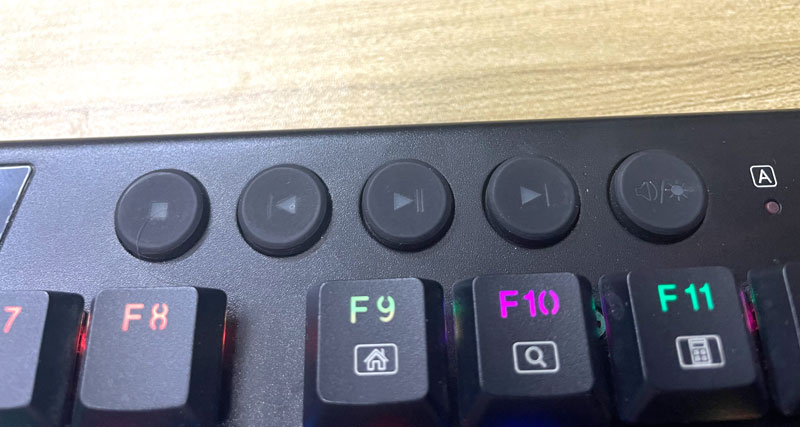
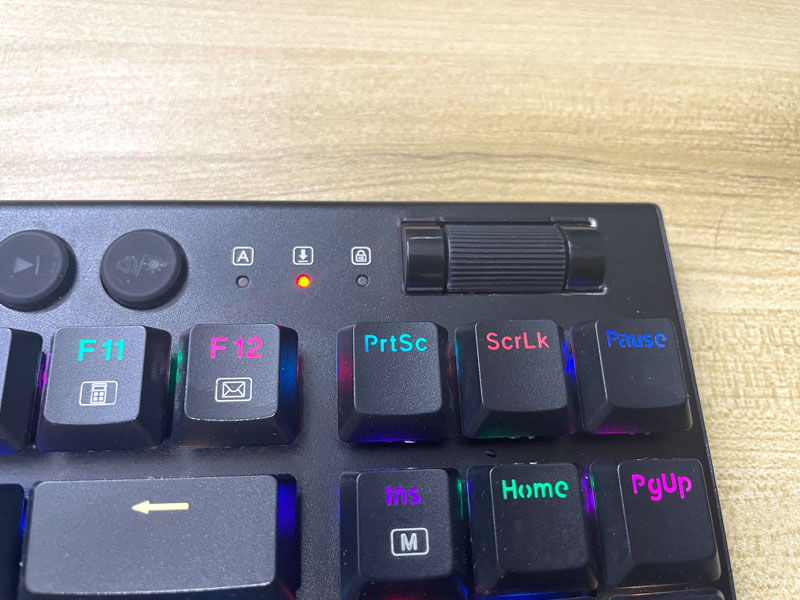
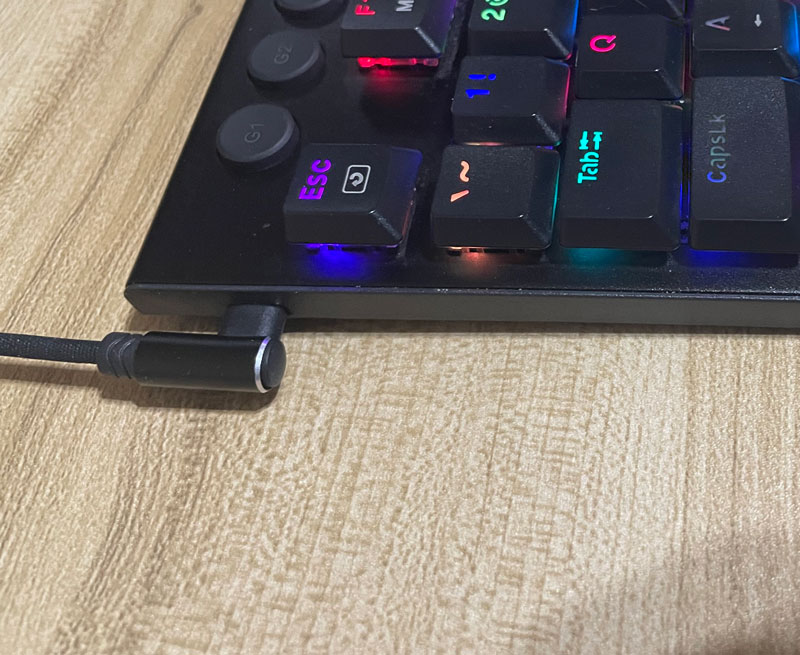
Redragon K622 connects to a computer using only the detached USB cable and doesn’t offer any other connectivity options.
Typing Experience On Redragon K622
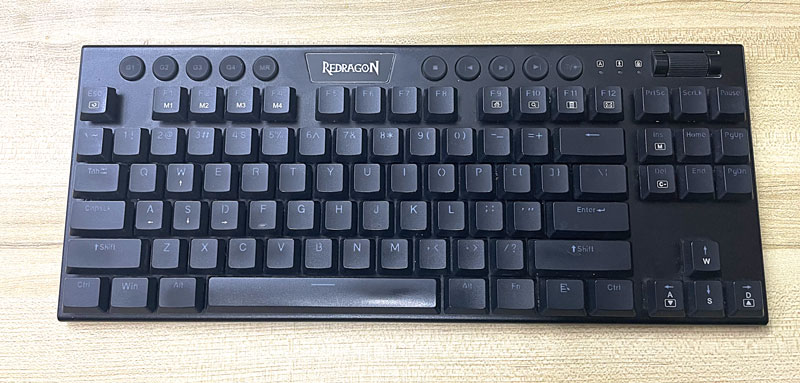
Typing on Redragon K622 is nice. The keys are easy to press, although there is some resistance from the keys when you bottom out. I prefer not to have that personally, but it didn’t stop me from using the keyboard, and I think some would like that. I say this because I have another Redragon keyboard that doesn’t feel that way, which is Redragon K535-KR (which I plan on reviewing soon here in Tech Fairy). While the typing feels good, the sound it makes may not be great for many people. I personally like it, but some people may find it much worse than the more expensive keyboards. I think this is due to the fact that the keys come unlubricated. I may try to lube them one day in the future. It’s worth noting that even the large keys like Enter & Shift make decent sounds compared to the rest of the keyboard.
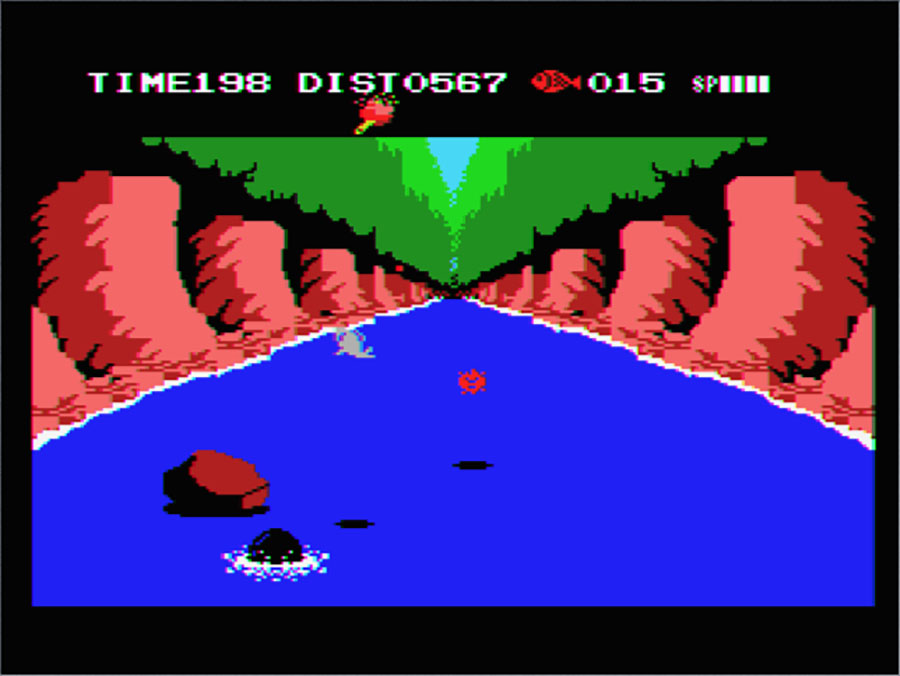
I used Redragon K622 a lot for typing articles like this one you’re reading, as well as coding. I didn’t game much with it, but I played some MSX games on the emulator with it.

Customization:- Hot-Swappable Switches & Macro Keys
As I mentioned earlier, Redragon K622 is a hot-swap keyboard, so you can always change the switches to anything else if you ever feel the need to. You can even pull the switches out & lube them one after the other. That can make the keyboard sound more like the more expensive keyboards. Even if you don’t care about customizing the switches, being able to pull the switches out means that you can always replace any switch that starts to act up, and the keyboard comes with 4 spare switches for that purpose.
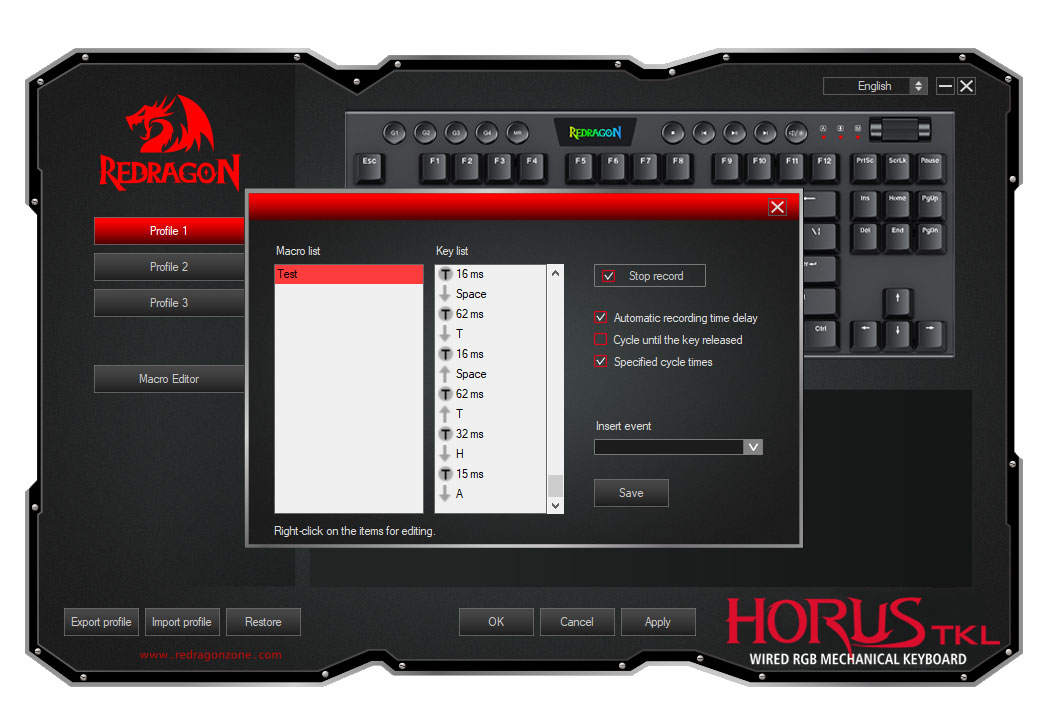
Just like many of the keyboards around this price range. Redragon K622 doesn’t support customization with VIA or QMK but can still be customized with the Redragon software (only available on Windows). It provides all the basic customizations, like remapping any key to another or recording & editing macros, which are nice; however, I found it bumming that you can’t assign any of these macros to the G keys, which is such a waste.
The software allows you to customize the backlighting to a nice degree. Though you can’t customize the roller, which is another minus for the software. Overall, if your needs are basic enough, the software is useful for many things.
And Finally
I find myself satisfied with Redragon K622. For the price, it is a good TKL keyboard, very good looking, and provides a nice typing experience along with hot-swappable keys. It may be lacking a bit when it comes to customization, but I think it’s a good deal if you don’t care much about that.
I hope you liked my Redragon K622 review, and I will see you in another Tech Fairy article. Check out the mobile apps I developed, which I hope you find useful & interesting.
Find Redragon K622 Horus on AliExpress.
#CommissionsEarned